

TL;DR: Confuse by all the iPhone habit tracker options? We gotchu!
Everyday is the top pick for simple streaks across devices. Streaks is also popular. Productive is good for guided routines. Way of Life is best for visual pattern tracking. Habitify fits analytics and cross-platform use. Choose the app that fixes your main challenge: forgetting, overthinking, poor visibility, or ecosystem limits.
If you’ve ever downloaded a habit tracker for iOS, felt motivated for a few days, and then just stopped opening it, you’re definitely not alone. Perhaps you even deleted it after a few minutes. The App Store market is flooded with options, and instinctively knowing which app to pick that will actually suit your own individual needs is about as easy as explaining the internet to your grandparents.
That’s why simplicity on iPhone matters. The best app usually isn’t the one with the longest feature list. It’s the one that makes sticking with habits feel easy enough to do every day. In practice, that often comes down to fast logging, a clean layout, useful reminders, and an app that actually gets noticed on the home screen or lock screen during a busy day, instead of sitting buried somewhere that never gets checked.
This guide examines which iPhone habit trackers really give that kind of simple, effective support. It also compares what “simple” actually means, why widgets have become such a big part of the experience, and which app fits best depending on someone’s style: Apple-native minimalism, guided routine building, visual clarity, or cross-platform flexibility. Put simply, if the goal is to build daily habits without making an iPhone feel like one more job, this comparison should be useful.
What Effective Simplicity Really Means in a Habit Tracker for iOS
When people say they want a simple habit tracker for iOS, they usually are not all looking for the exact same thing. Some want the fastest possible check-in, which is fair. Others want a little structure without feeling pushed around. And some want something that looks minimal at first but still fits easily into their everyday routine.
A lot of recent app coverage keeps coming back to the same idea: low-friction logging is often what separates the apps people keep using from the ones they stop opening after a while. Fast check-offs, progress that is easy to read at a glance, and fewer screens usually matter more than a long list of extra features, at least for most people.
For iPhone users, simplicity usually comes down to a few things:
- One-tap or nearly instant logging
- A clean habit tracker widget on the Home Screen or Lock Screen
- Apple ecosystem support, especially Apple Watch and Apple Health when it actually makes sense
- Visual progress that feels clear right away
- Enough flexibility for real life without turning the whole thing into a project
That last point really matters. A bad app can make habit tracking feel like admin work, while the right one usually stays out of the way. That is often what good behavior design looks like in real life. If opening the app feels like a chore, people tend to avoid it. When it feels easy, sticking with it becomes much more likely and usually a lot less frustrating too.
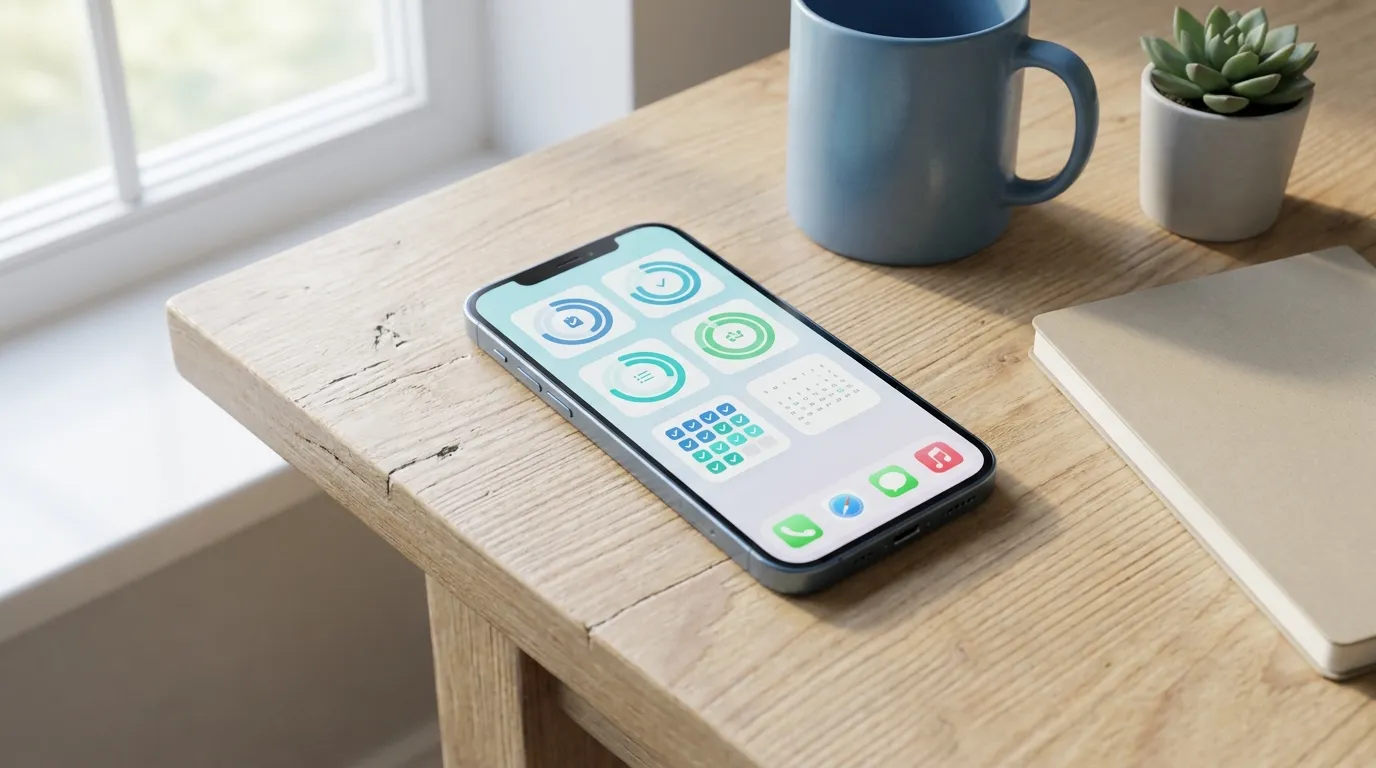
Why the Habit Tracker Widget Now Matters as Much as the App
A few years ago, widgets felt like a nice extra. On iPhone now, though, they’re often the main reason a habit app actually sticks, which is a pretty big shift.
The reason is pretty simple: visibility often changes behavior. When habits sit inside an app folder that barely gets opened, they’re easy to ignore. But if a habit tracker widget lives on the Home Screen, Lock Screen, or Apple Watch face, the routine stays in view without asking much from the user. That usually makes it easier to notice, easier to remember what was supposed to happen, and probably harder to brush off.
Recent reviews support that idea. HabitBox says widget quality is one of the biggest reasons some apps stand out. And Reclaim says widgets and Apple Watch visibility can lower friction and make consistency easier.
So a good widget should do a couple of things really well:
Show progress without clutter
You should be able to tell in a second or two whether today is on track, which is what usually matters. Keep it quick and clear. Dots, rings, colored blocks, and simple streak views often work better than crowded mini dashboards, since they’re usually just too much.
Encourage action fast
The best habit tracker widget doesn’t just show data. It gives you a small nudge to actually do something, which is honestly really nice. It’s a small thing, but still useful. On newer iOS versions, interactive widgets make that even better, since you can often check off habits quickly without opening the full app.
Fit your routine, not interrupt it
A widget should quietly support your day, not get in the way. If it starts to feel noisy or takes up too much screen space, which can happen pretty easily, that simple benefit often fades.
If you need ideas for which habits deserve a front-and-center spot, Habit Tracker Ideas: What to Track (and How to Stick With It) feels like a helpful next step here. You can also explore Mini Habits: The Science Behind Starting Small for Big Changes if smaller daily actions tend to work better for you.
Where Everyday Fits in the Simplicity Conversation
Everyday offers a different kind of simplicity: a calm experience across platforms. The app focuses on visual streaks and quick check-ins, with very little friction, which is honestly a big deal for day-to-day use. It’s pretty straightforward, and it can be especially helpful for people who do not want their habit system locked inside a single ecosystem.
That matters more than it seems at first. Some iPhone users want a clean mobile experience right now, but later they also want to review habits on a desktop or in a browser, which happens pretty often. At that point, an Apple-only app can start to feel a little limiting over time. Everyday takes a different approach. It keeps things simple for daily use while still giving people room to use it across devices. So you can look at Everyday if your version of simplicity includes easy syncing, browser access, and a lightweight visual streak board.
This is also where the idea of “effective” simplicity becomes clearer. Pure minimalism sounds appealing until it removes something you actually need. For some people, a cross-device habit system is not really extra complexity. It is often the practical thing that keeps the habit visible at work, at home, and in between.
If you’re new to habit tracking and want the science side explained in a beginner-friendly way, Habit Forming Myths: What Science Really Says helps clear up common assumptions fast. Additionally, How to Form New Habits: For Beginners Who Hate Routines is useful for people who struggle with consistency more than motivation.
The Main Contenders for Simple iPhone Habit Tracking
Not every simple app feels simple in the same way. Picking the best one usually comes down to the kind of friction you want to get rid of.
Streaks: the cleanest Apple-first habit tracker for iOS
Based on current reviews, Streaks looks like the most reliable alterative for simple, effective habit tracking on iPhone. It offers quick logging, polished widgets, Apple Health integration, Apple Watch support, and a one-time purchase. It can also track up to 24 tasks.
Productive: best for guided routine building
Productive is a solid pick if you want a bit more guidance without adding extra complexity. Reviews also mention smooth onboarding and time-based planning, which is a nice touch if a scheduled routine works better than something more simple, making the app feel friendly and organized.
Way of Life: best for visual simplicity
Way of Life works well for people who like spotting patterns fast, which often helps habit tracking feel easy to keep up with. It’s known for color-coded logging, useful widgets, and support for Siri and Shortcuts. The app stays simple, but still feels truly helpful. If visual trends keep someone engaged, it’s a nice middle ground with enough detail to be useful without feeling cluttered.
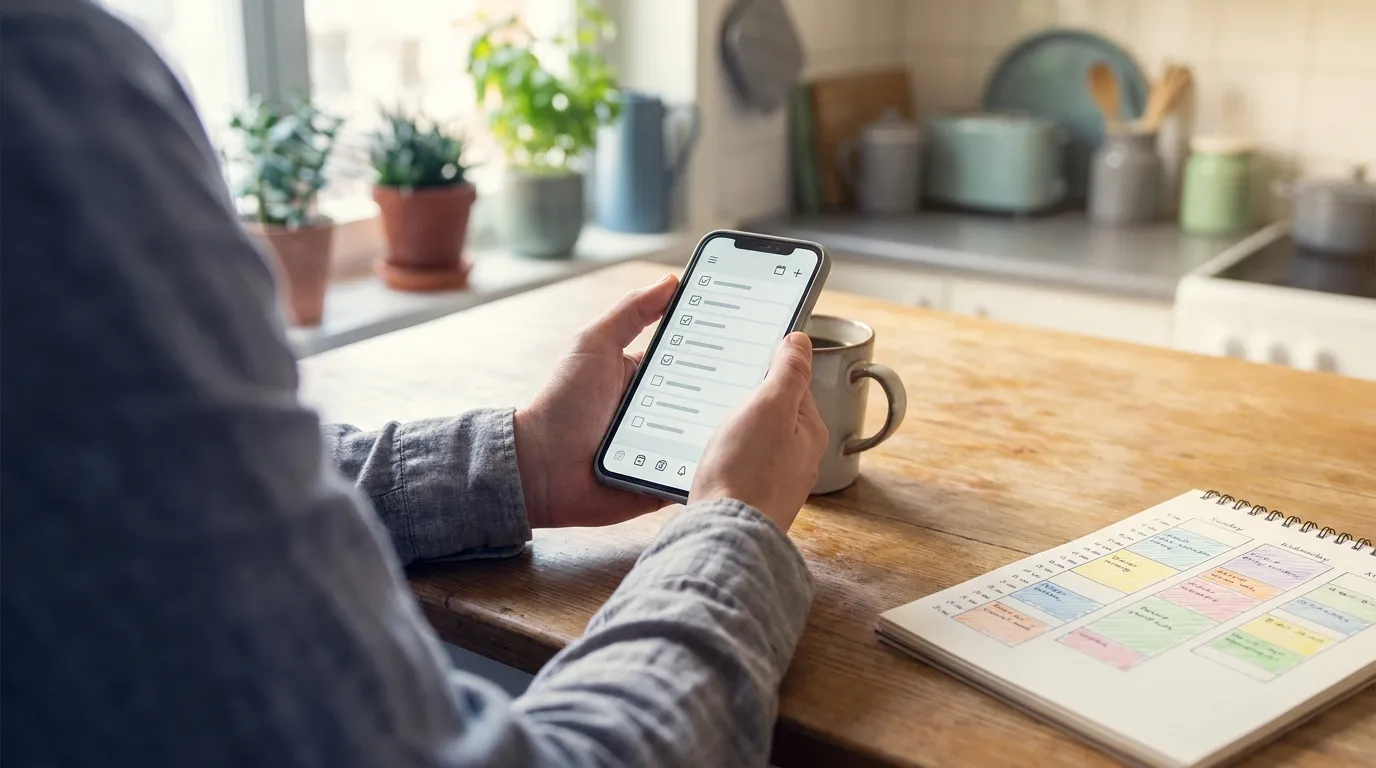
How to Choose the Right App Based on Your Friction Pattern
A better question than “Which app has the most features?” is “What usually makes someone stop tracking?” because that’s probably the real problem.
So here’s a simple way to choose: start there, since that’s often the most helpful place.
Choose Streaks if…
- You regularly use an iPhone, Apple Watch, and Apple Health together
- You want what is probably the best habit tracker widget setup, right on the home screen and lock screen too, which is a big plus
- You like a premium app with no subscription, which is honestly nice
- And you want checking off habits to feel almost instant, so marking them done is quick
Choose Productive if…
- You want more guidance and clearer planning prompts
- And you like habits built around a time-based setup
- You want motivating progress summaries, which usually help keep things going
Choose Way of Life if…
- You think visually.
- You want a simple check-in style with patterns you can spot fast, which is nice when you want to notice trends quickly. It stays easy to use.
- And you like Siri and Shortcut support, but you do not want a crowded interface, which can help.
Choose Habitify if…
- You want something simple, but still care about analytics, which can be handy
- You need multiple widget styles, plus better cross-platform access on web and non-Apple devices
- You might also use the web or non-Apple devices, which can be useful
Choose a minimalist habit platform like Everyday if…
- Streak-based motivation works for you, especially when less clutter makes it easier to stick with.
- Syncing across devices matters to you, and you also use it in a browser.
- You want a habit system that still feels lightweight over time, not overloaded.
If you’re comparing minimalist tools specifically, this guide on Best Apps for Habit Tracking: Everyday vs Habitica helps because it shows how interface style can affect long-term consistency, often more than you’d expect.
Common Mistakes People Make When Picking a Habit Tracker for iOS
A lot of people pick the app they like most instead of the one they’ll actually keep using every day.
The most common mistakes are:
- Choosing depth over ease when all you really need is a few daily habits, which is often the case
- Ignoring widget quality, even though that visibility is often what helps habits stick on your home screen or lock screen
- Trying to track too many habits at once, which can make even a simple app feel more overwhelming and harder to open each day
- Mixing up beautiful design with usable design, even though those two things are not always the same
- Not thinking about future workflow needs, like whether you might want web access later or need to check things from another device
That’s why it helps to test simplicity in real life instead of trusting screenshots. One useful way to judge an app is to ask a few practical questions: Can a habit be logged in under ten seconds? Can progress be checked without opening three different screens? Does the app fit a real day, including the messy parts? Those questions usually tell you more than a polished app page does.
And that’s also why a lot of people end up preferring a minimalist habit tracking app over something more feature-packed. Less setup. Easier to keep up with, especially on busy days. In most cases, that’s usually what matters if the goal is a tracker that won’t get dropped after a week. For readers who travel often or work irregular schedules, Daily Habit Tracking for Travelers - Your Ultimate Guide explains how to keep routines flexible without losing consistency.
Frequently Asked Questions
Why is a habit tracker widget so important?
Because out of sight really is out of mind. A widget puts your habits on your Home Screen or Lock Screen, where you’re already looking dozens of times a day. That makes it much harder to forget – and much easier to act while you still feel like it.
Is Apple Health integration necessary in a habit tracker for iOS?
Only if you’re tracking things like steps or sleep, where Health can log the data for you. For habits such as reading or journaling, you’ll get more out of a clean layout and fast check-ins.
Which app is better if I want iPhone simplicity but also cross-platform access?
Everyday is a good choice here. It stays light and easy to use, but you’re not tied to your iPhone – it works on the web and in your browser too. That’s a big help if your routine doesn’t all happen on your phone.
The Best Choice Is the One You Will Keep Using
If all you want is quick, no-fuss tracking on your iPhone, Streaks is hard to beat. Logging takes seconds, and it slots neatly into the Apple ecosystem, which makes it a natural pick if you’re already all-in on Apple.
But “simple” means different things to different people. If you’d rather see all your habits laid out on one clean board, or you split your day between your phone and your laptop, Everyday is the better fit. It syncs across mobile and web, with browser extensions too, so your habits come with you wherever you’re working.
Whichever app you go for, the right one is the one that makes your next habit obvious the moment you look at it. A clear, easy view will do more for you than any amount of clever design.
Before you download anything, work out what keeps breaking your streak. Is it that you forget, or is the app you’re using just too complicated? Pick the tool that fixes that first, and it’ll soon feel like part of your day rather than another productivity experiment.