

TL;DR: Pick by the problem you need to solve. Use an accountability app if you need to dial in consistency; use a life organizer if planning, task load, and overwhelm are the problem.
Everyday is best for simple habit consistency. Habitica fits gamified motivation. Coach.me is the pick if human support keeps you on track. Todoist is the strongest choice for broader life organization. Simple tools win long-term because you keep using them after the early excitement wears off.
If someone is trying to build better routines, stay on track with goals, or stop relying on memory and motivation alone, they’ve probably run into two kinds of tools: the accountability app and the life organizer. At first, they can seem almost identical. But in everyday use, they often help with different parts of life.
Accountability apps are designed to help people keep promises to themselves. Life organizers are more focused on managing the moving parts of a day, like tasks and schedules. In the majority of cases, the simpler option a person will actually keep opening is usually the better fit.
That’s what makes this comparison helpful. It looks at four familiar options for people searching for a best goal tracker they can use for everyday consistency: Everyday, Habitica, Coach.me, and Todoist. Each one handles progress a little differently. Let’s check them out!
What You’ll Find in This Accountability App Guide
- Everyday
- Habitica
- Coach.me
- Todoist
4 useful accountability app tools to stay accountable and organized

1. Everyday
At a Glance
Everyday is a habit tracker and it doesn’t try to be anything else. You mark off what you did each day, and the streak builds up where you can see it. It works on your phone and in a browser, so checking in takes a few seconds. If what you want is help showing up, without a project manager attached, this is the one.
Core Features
- A visual habit board makes quick daily check-ins easy, which is really nice
- Streak tracking keeps consistency front and center, so it often feels pretty motivating
- Cross-platform sync keeps everything updated across your devices, and that’s super handy
- Flexible scheduling for recurring habits
- Reminders help you follow through
- Weekly, monthly and yearly views
- A browser extension with web access
Pros
- Minimal mental load: The interface stays clean and easy to understand, so it usually still feels usable when life gets hectic, which it probably will. There’s very little extra friction slowing you down.
- Clear visual motivation: Streaks and progress are quick to read at a glance, giving fast feedback without burying you in a huge pile of charts, which honestly may not be necessary here.
- Cross-platform flexibility: You can track habits on your phone, on the web, and through browser tools, so it’s easier to keep up without feeling stuck with a single device.
- Beginner-friendly setup: It works especially well when someone is starting with just one or two habits.
- Realistic for imperfect weeks: The structure supports consistency without turning one missed day into a total failure. I
Who It’s For
Everyday is a great fit for people who want a simple goal tracker and accountability app for daily routines, healthy habits, focus habits, or breaking bad patterns without anything too complicated. It’s really straightforward, and it’s especially useful if bigger productivity systems usually left you spending more time organizing than actually doing things.
Unique Value Proposition
What helps Everyday stand out is its focus on better results, not just piling on more features. A lot of apps in this space add calendars, projects, notes, coaching, social feeds, or game-like layers, which can sound appealing and may help some people. But in practice, all of that can also slow things down. Everyday takes a simpler route instead.
Real World Use Case
Tyler, 34, wanted to read for 10 minutes, stretch after work, and stop losing steam every few days. Nothing too complicated, which probably helped. Instead of setting up an elaborate system, he tracked those small habits in Everyday. The check-in stayed quick, the streaks were easy to see, and that usually made it easier to keep going even during a busy week. A month later, the routine felt steadier, a lot less forced, and it’s easy to see why.
Pricing:
There’s a free plan, plus paid plans too.
Website:

2. Habitica
At a Glance
Habitica turns your habits and to-dos into an RPG. You build an avatar that levels up as you tick things off, and you can join a party or a guild if you want other people involved.
For some people that game layer is exactly what makes consistency stick. For others it’s too much. Habitica isn’t really trying to organise your life – it’s trying to make following through feel like a game worth playing.
Core Features
- Track habits, dailies, and to-dos.
- It also adds RPG-style mechanics, with levels and rewards, which makes it a lot of fun.
- Avatars, gear, quests, and social accountability through parties and guilds are a nice bonus.
- Streak-style motivation goes well with satisfying progress loops.
- It’s available on the web, iOS, and Android.
Pros
- Highly engaging: Gamification can make everyday tasks feel more motivating than a basic checklist, which is a nice touch. It often helps keep you going.
- Strong community angle: Social groups add accountability, especially for people who do better when others are involved. That can often really help.
- Flexible use: Habits, repeating tasks, and regular to-dos can all be tracked in one place, which is pretty handy. It keeps things simple.
- Accessible free tier: It’s easy to try without paying anything upfront, so there’s very little friction.
Cons
- Can feel cluttered: The game interface can look less calm and streamlined than more minimalist tools, at least at first glance. It’s a bit busy, so users may notice more icons and prompts on the screen.
- Not for everyone: Some users find the RPG style distracting or even a little childish, which is fair. For some people, that’s a real turnoff.
- Less of a life organizer: It’s better for action and motivation, but often not as strong for deep planning and broader organization. That means it probably won’t work for every workflow.
Who It’s For
Habitica’s a good choice if typical habit apps bore you and you want novelty and a bit of community pressure to help you keep at it.
Unique Value Proposition
Emotional engagement. Habitica tracks what you do and makes the process feel fun, which can help if you struggle with follow-through when other tools feel clinical.
People deciding between these two approaches can also compare Everyday vs Habitica head to head to see how minimalist tracking compares with gamified motivation.
Pricing:
There’s a free plan, and an optional subscription.
Website:

3. Coach.me
At a Glance
Coach.me combines habit tracking with bolt-on human coaching. At the free level, it works as a habit and accountability app, with reminders, streaks, and community support. The biggest difference is that users can also pay for one-on-one coaching, which appeals to people when self-tracking alone hasn’t been enough and they want another person involved. It’s less a broad life organizer and more a structured accountability system.
Core Features
- Track habits each day
- Reminders and streak support, which often helps
- Community interaction with others, so it doesn’t feel like doing it alone
- One-on-one coaching options, if wanted
- Available on web, iOS, Android, and more
- Habit-focused accountability tools that are likely useful
Pros
- Human accountability available: Coaching can help when self-monitoring just doesn’t feel like enough, which is pretty relatable when someone is trying to stay on track. It’s a simple idea, but often a useful one in that kind of situation.
- Simple habit focus: The core tracker keeps attention on behavior change, which often makes things easier to stick with.
- Community support: Shared progress might offer helpful encouragement, and that can really help when someone feels stuck.
- Flexible entry point: It’s easy to start with the free tracker first, then pay for coaching later if it actually feels worth it.
Cons
- Coaching gets expensive: Weekly coaching can start to feel pretty expensive over time, especially if you stick with it. The cost adds up fast, and most people will probably notice that before too long.
- Quality may vary: The experience depends a lot on which coach someone picks, and that can make a real difference, for better or worse.
- Not a full organizer: It isn’t built to run a whole planning system or handle daily tasks, calendar, and workload, so it helps not to expect that.
Who It’s For
Coach.me is a good fit for people who already know they need stronger external accountability and probably feel that pretty clearly. And if apps alone haven’t helped and they still drift without another person involved, it’s worth a look.
Unique Value Proposition
Coach.me sits in that sweet spot between solo habit tracking and guided support, and that’s usually where it really stands out, which is pretty rare. It’s one of the few options here that can go from self-logging to real coaching without making users switch platforms.
Pricing:
Free habit tracker, and paid coaching options.
Website:

4. Todoist
At a Glance
Todoist is mainly a task manager and planning tool, but it still overlaps with goal tracking, recurring tasks, and routine support, which can help quite a bit.
Core Features
- Easily manage tasks and projects
- Plan your day, which often helps, and map out your week too
- Switch between list, board, calendar, and timeline views
- Track productivity trends over time
- Use templates with integrations, which is really handy
- Collaborate on shared projects
- Access it across platforms
Pros
- Excellent organization: It’s really helpful for keeping tasks, responsibilities, and long-term projects together in one place, which usually makes everything feel much more manageable when there’s a lot going on.
- Flexible views: Different layouts suit different planning styles, so it’s easier to set things up in a way that feels natural and fits how someone actually plans.
- Robust integrations: It also works smoothly with other tools as part of a broader workflow, which often makes everyday planning feel a little easier.
- Clean design: Even with all its power, the interface stays fairly approachable. That balance makes it feel easier to use without losing depth.
- Good for shared planning: The collaboration features still help a lot with work and household coordination, which often makes shared planning feel less chaotic.
Cons
- Less habit-focused: It’s not really made to help you stay consistent with habits, at least not first. It usually feels more focused on planning.
- Some features are paywalled: Some of the more advanced features, I think, need a paid plan.
- Can feel more like a planning tool first: If you want a pure accountability app, it might feel too broad, which can be a downside.
Who It’s For
Todoist is best for people who want a life organizer, not just a habit tracker, which usually helps here. If managing projects, recurring tasks, and planning in one place sounds useful, you’ll probably like that it has more structure than a dedicated habit app.
Unique Value Proposition
Its biggest strength is range. It’s probably a better fit for organizing life logistics than supporting tiny daily habits, and that feels like a practical edge.
Pricing:
There’s a free, pro, and business plan to choose from.
Website:
Accountability App Comparison in Practice
The easiest way to compare these four is to look at the job each one does best.
- Everyday: Best for simple, sustainable habit tracking with low-friction accountability.
- Habitica: Best for people who want motivation through gamification, plus a sense of community.
- Coach.me: Best for users who want real accountability from a coach instead of just an app.
- Todoist: Best for people who need a life organizer for tasks, planning, structure, and all the moving parts that come with that.
This basically boils down to:
- Pick an accountability app if consistency is the main problem.
- Pick a life organizer if the bigger issue is overwhelm, scattered tasks, or planning.
- A hybrid can work, but only if those extra features will keep being used.
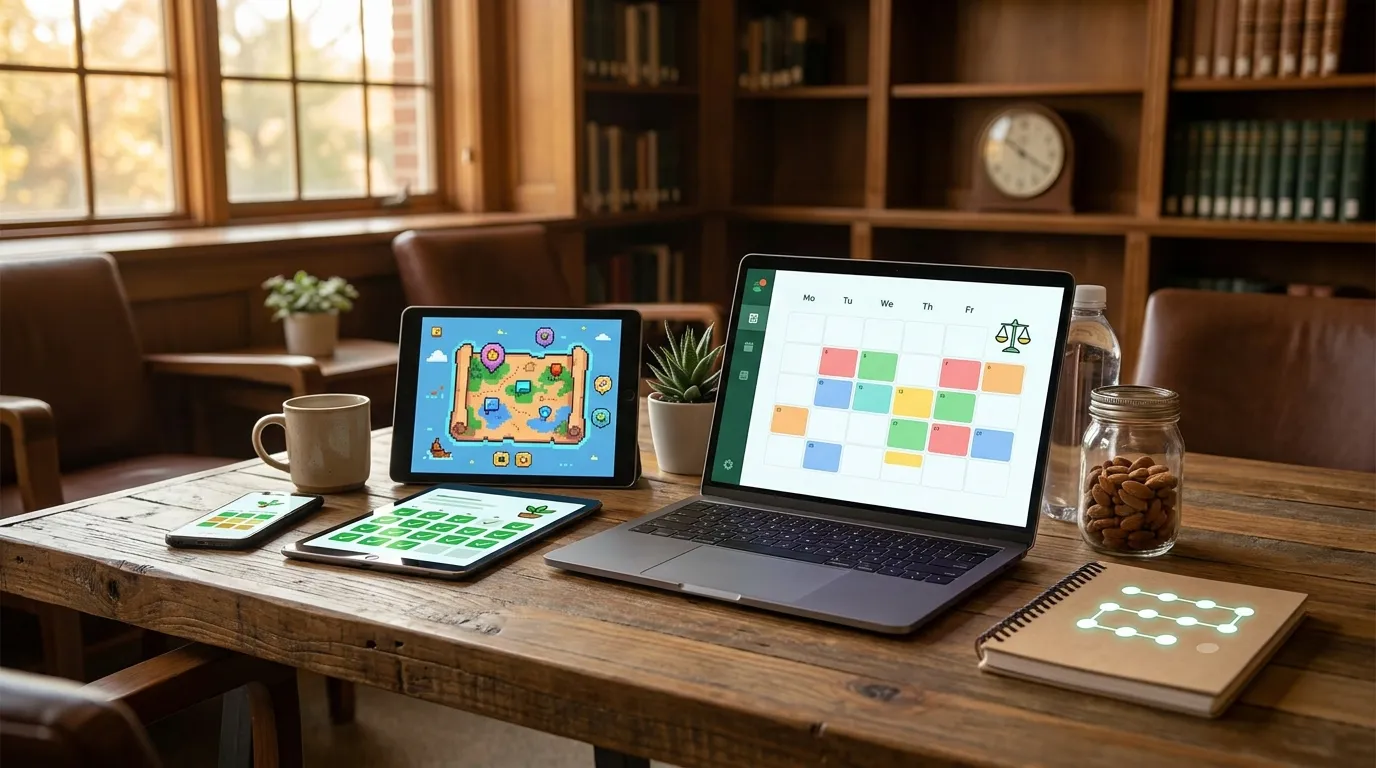
So, Should You Choose an Accountability App or a Life Organizer?
One easy way to figure it out is to look at what keeps slipping for you, because that’s usually a pretty clear sign.
If you find yourself saying:
- “I know what to do, I just don’t do it consistently”
- “I want to stop breaking streaks every few days”
- “I need a best goal tracker for small daily actions”
- “I keep losing momentum even when I start strong”
…then an accountability app is probably the better fit.
If what sounds more familiar is:
- “My tasks are all over the place”
- “I need to organize work, home, errands, and deadlines”
- “My problem is planning, not motivation”
- “I keep forgetting what needs attention first”
…then a life organizer is probably the better match.
If you land somewhere between the two, it often helps to start smaller than you had initially intended. That’s part of why Everyday stands out. Its design keeps your attention on repetition, so the focus stays on doing the habit again today instead of rebuilding a whole setup.
When a Simple Accountability App Wins
There’s a reason so many people keep bouncing between tools. An app might promise structure, but getting it set up can turn into a project on its own, which is a little ironic. Before long, more time goes into labeling, sorting, adjusting views, or trying to figure out a system than into actually doing the habit you wanted to keep. That gets frustrating, and in most cases it probably takes away from the whole point.
That’s where this minimalist habit tracking app has a real advantage. Everyday doesn’t ask you to build a second life inside the app. Instead, it helps you track the small actions that move bigger goals forward and keeps those actions visible day after day on the screen. Over time, that usually makes consistency easier to see, and that small shift can really help.
Todoist may be the better choice if team project planning is the priority. Habitica makes sense when game mechanics are what keep someone engaged. Coach.me can work well if having a coach is the main need. But for something clear, aesthetically beautiful, easy to use, and built around daily repetition, Everyday is the one we’d recommend starting with.
FAQ’s To Help You Choose
What do I need to look for in an accountability app?
Low-barrier-to-entry daily usability, clear progress visibility and a structure that suits how you operate. If it feels complicated in week one, you won’t be using it in week four.
How do I know whether I need a life organiser or a habit tracker?
If the problem is forgetting things and losing track of what’s due, you want a life organiser. If you already know what matters and just don’t do it consistently, a habit tracker is the better fit.
Is Everyday better for habits than broader productivity tools?
Everyday is better suited to people who need to repeat small actions rather than managing big projects or team workflows.
How long does it take to see results?
You’ll feel more organised within days. Lasting behaviour change takes considerably longer – think weeks and months, not overnight.
What’s the best goal tracker for someone who gets overwhelmed easily?
The one with the least friction. Everyday is a strong candidate: it keeps tracking visual and simple, so consistency doesn’t depend on maintaining a complicated system.